Sky Letter — attach it to a star.
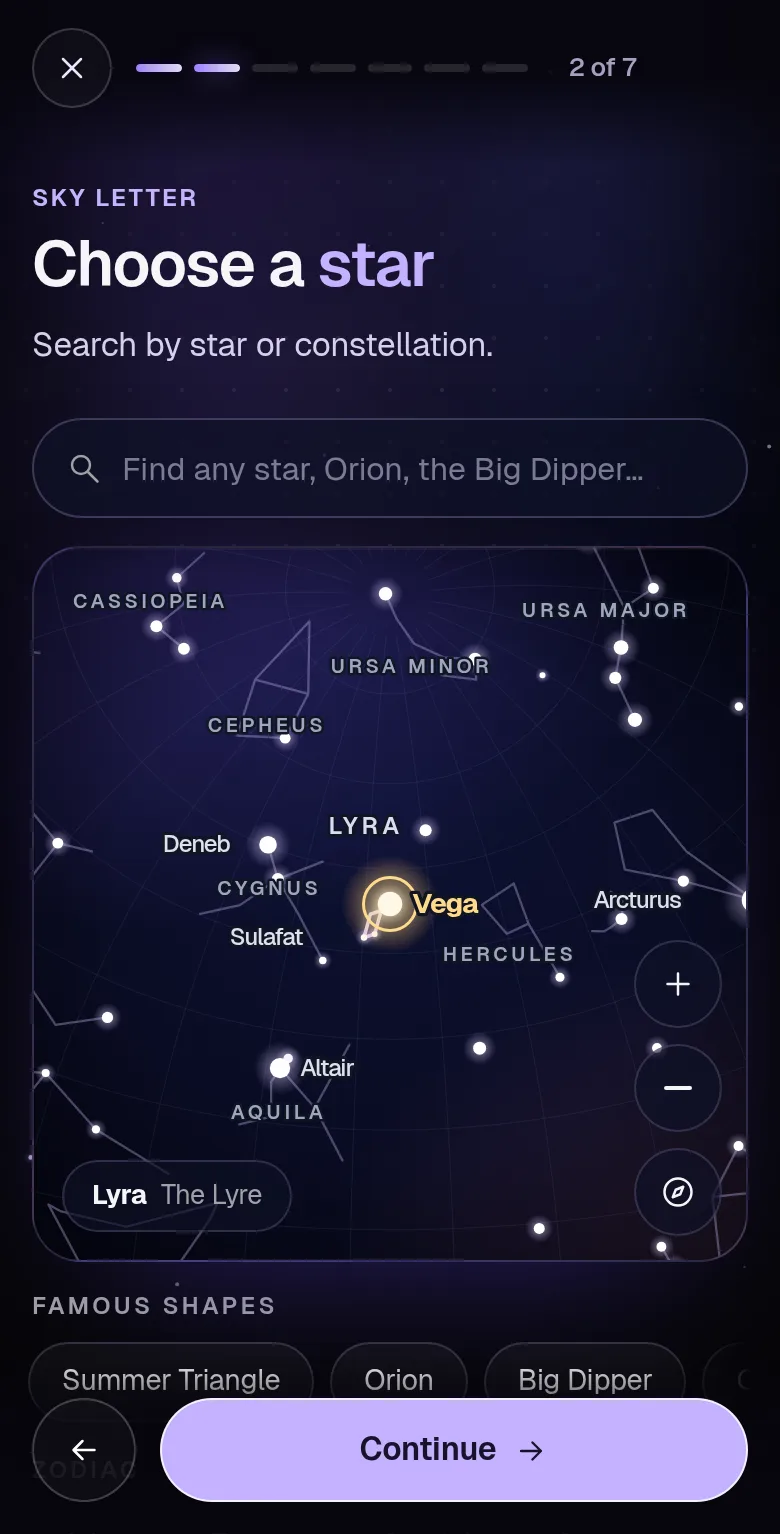
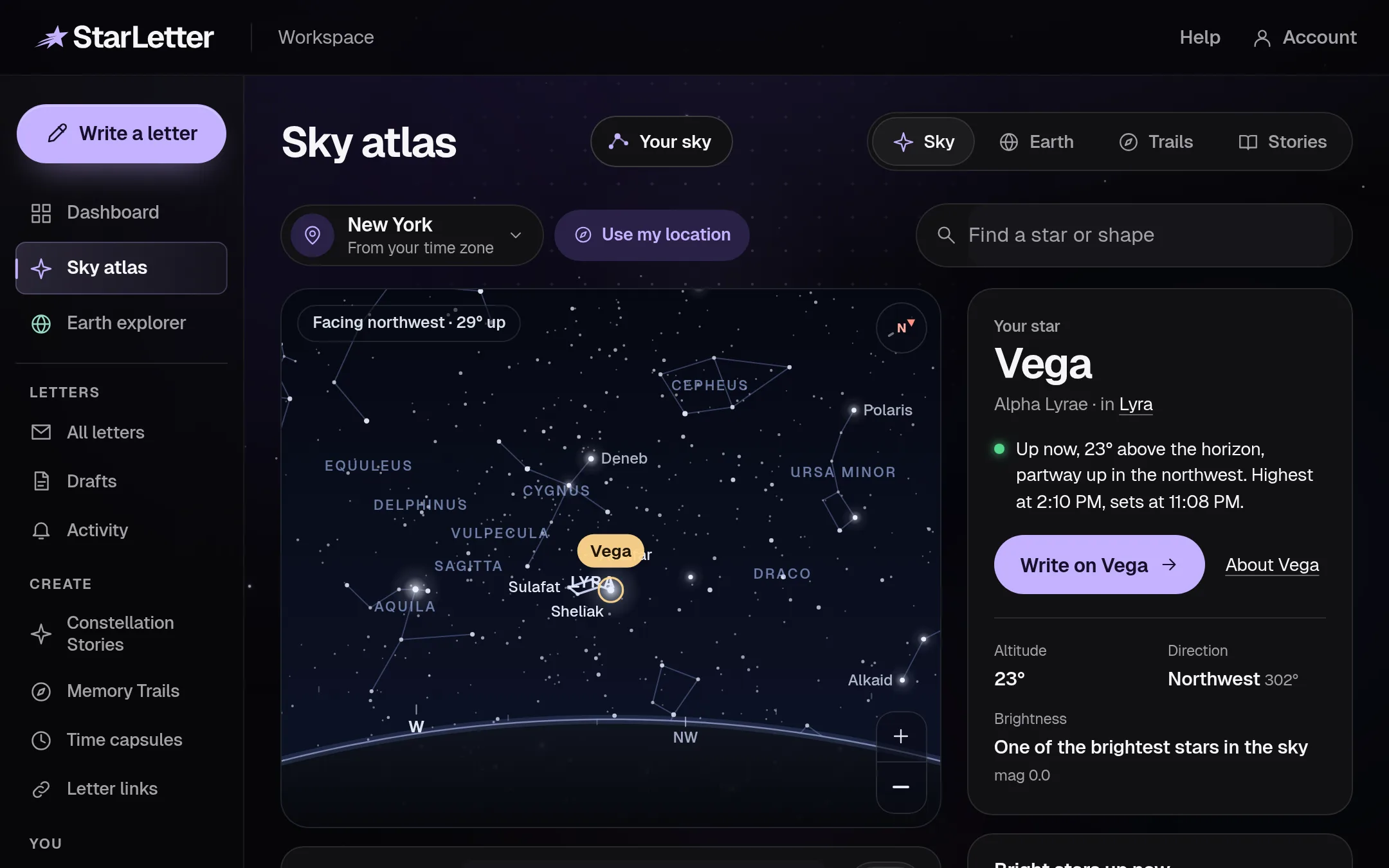
Pick Vega or any of about 9,100 stars. It can open right away, on a day you pick, or once that star is up after dark over the area you choose.
Explore Sky LettersSend a private letter to a star, a place, or a future day. It opens when the sky is right, and only for the people you choose.
Give 10, get 10The holidays
Send a letter to someone new to StarLetter. When they join, you each get 10 Sparks.
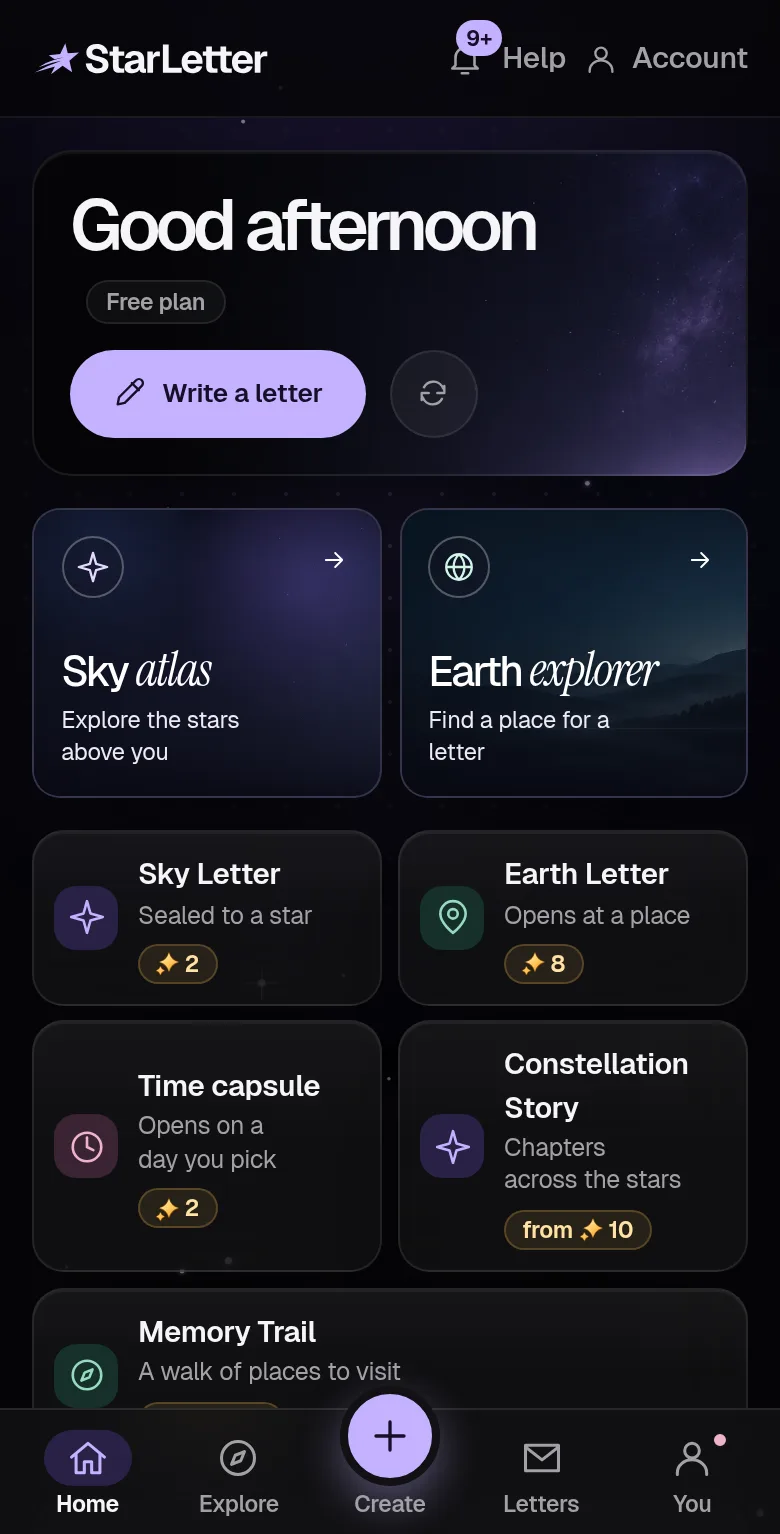
Your letters, the sky atlas and the map in one place, in any phone browser. The iPhone app adds a camera that points you to the star.
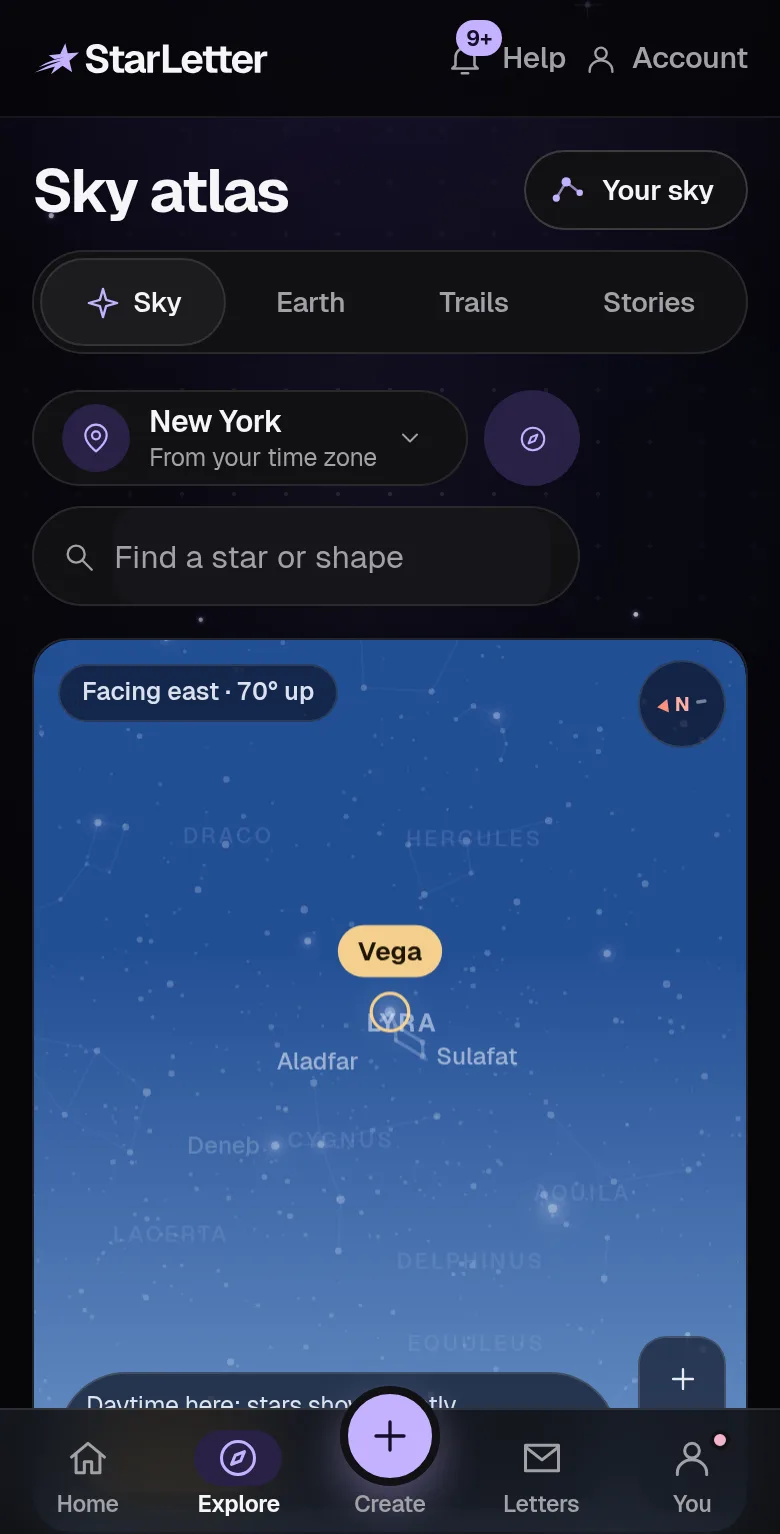
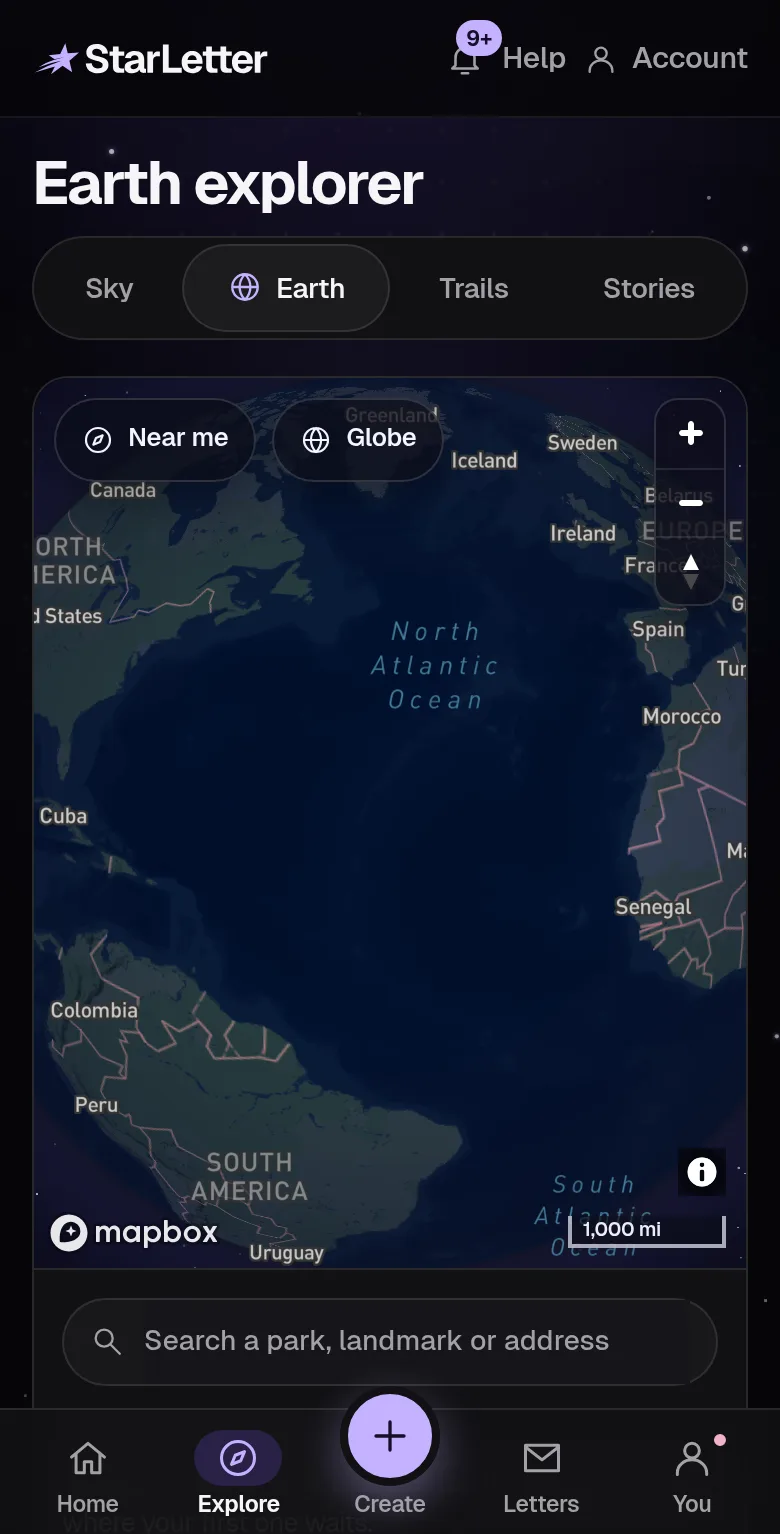
Screenshots of StarLetter on the web, on a phone.
Pick Vega or any of about 9,100 stars. It can open right away, on a day you pick, or once that star is up after dark over the area you choose.
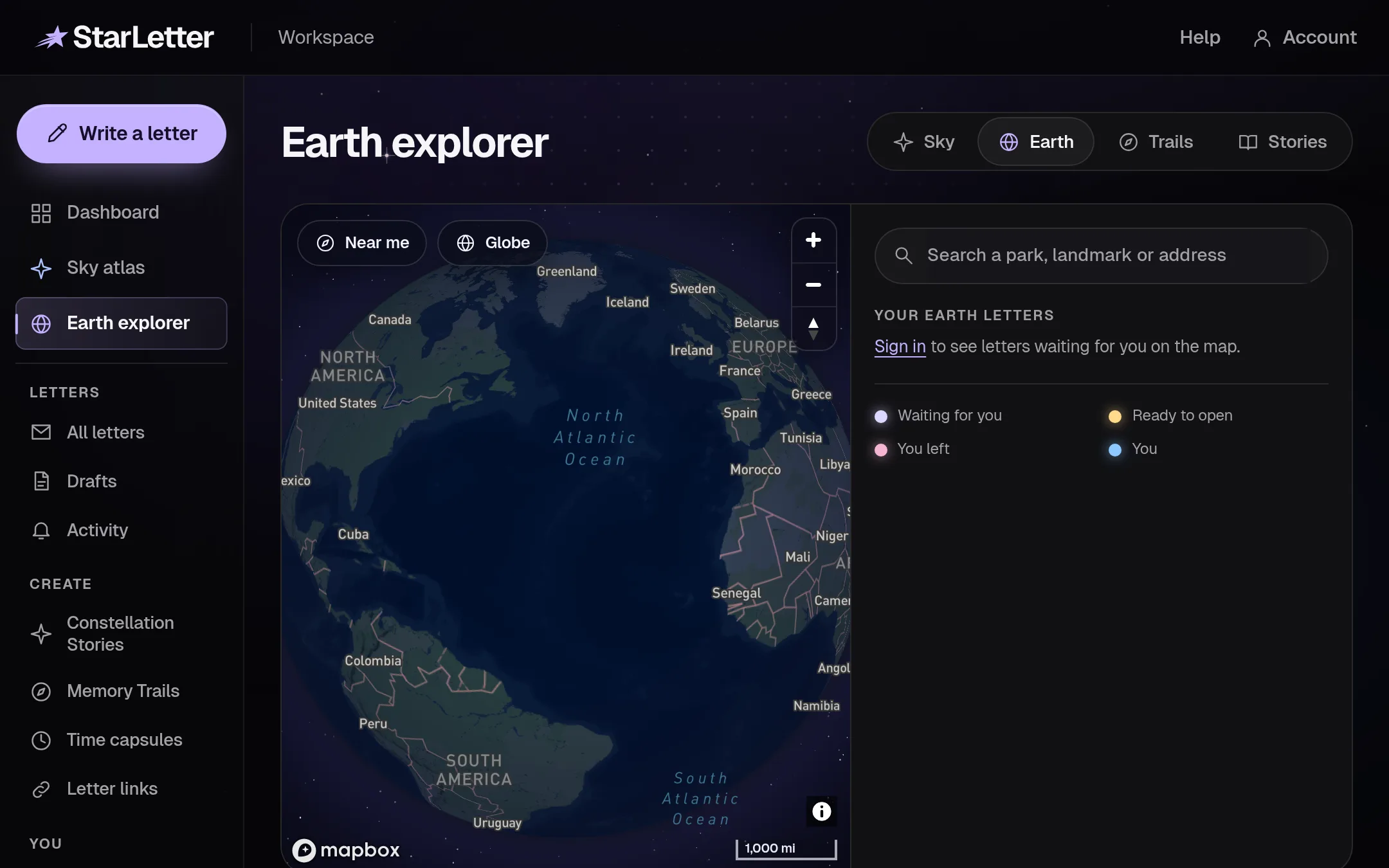
Explore Sky LettersLeave it at a public place, like a park, a garden or a viewpoint. It opens when they reach the exact spot you pinned.
Explore Earth LettersBirthdays, anniversaries, or one orbit from now: any day up to 25 years ahead. It stays sealed until then, even from you.
Explore Time CapsulesYour choice carries straight into the composer. No account needed to start.
Real screens from StarLetter on the web, on a phone.
Browse the sky atlas or the map. For a star, StarLetter works out when it’s up over the area you choose.
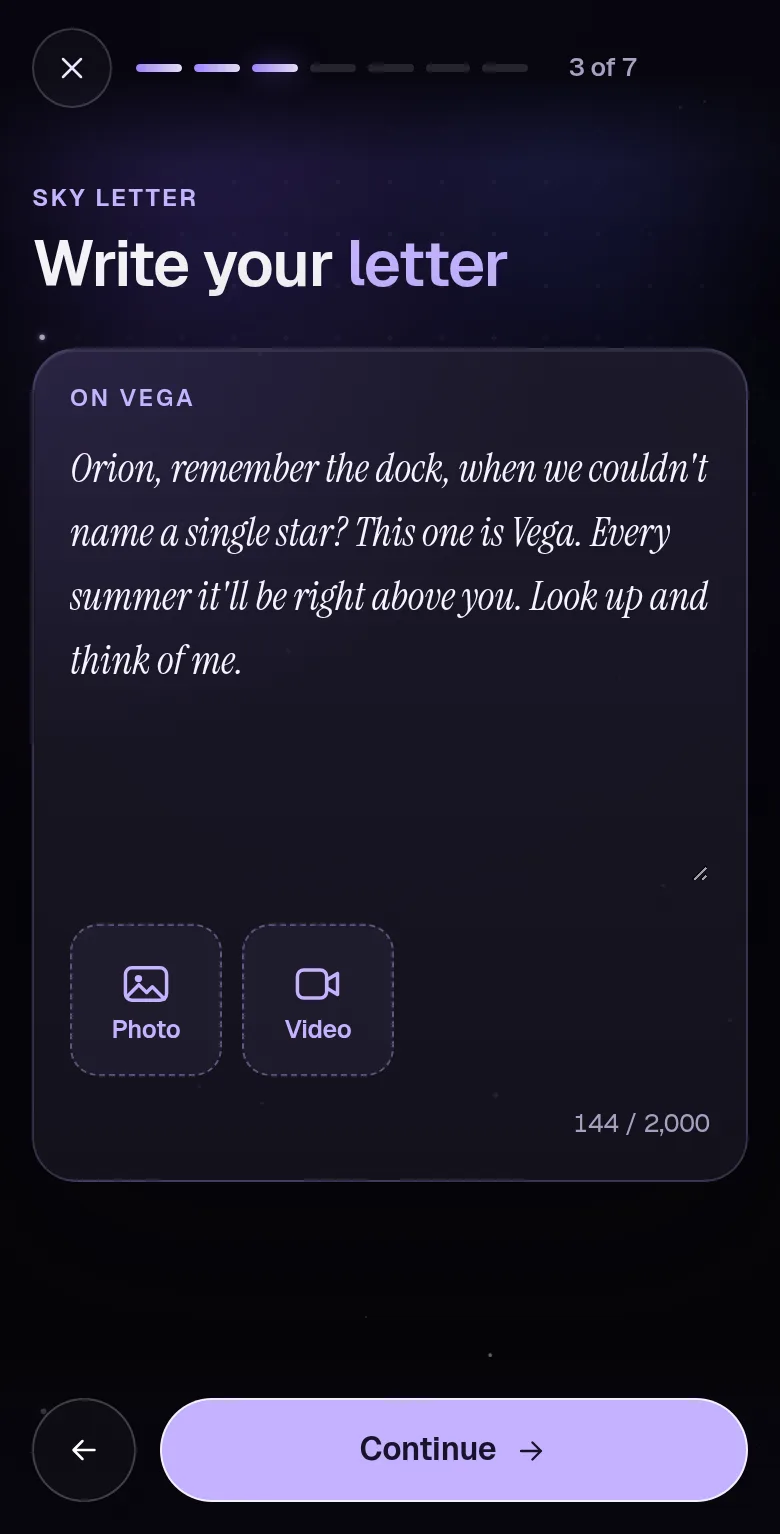
Drafts save as you type, and on iPhone they save even without signal.
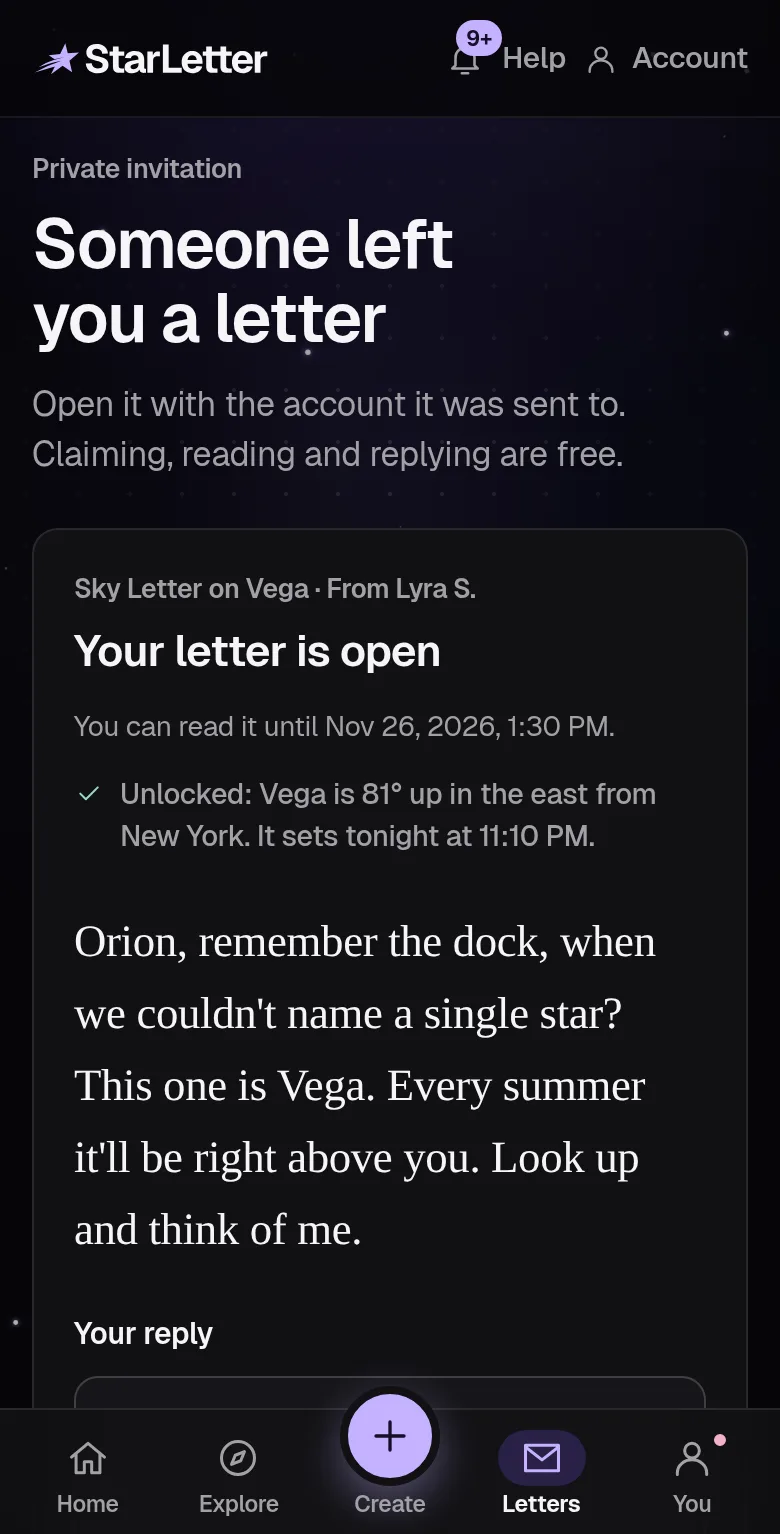
Address it by their name and mobile number, or make a private link to share any way you like. Only they can open it, and reading is free.
When the window opens, the sky guide or the map leads them to it.
Write, browse the sky atlas and explore places in any modern browser. These are screenshots from the app.
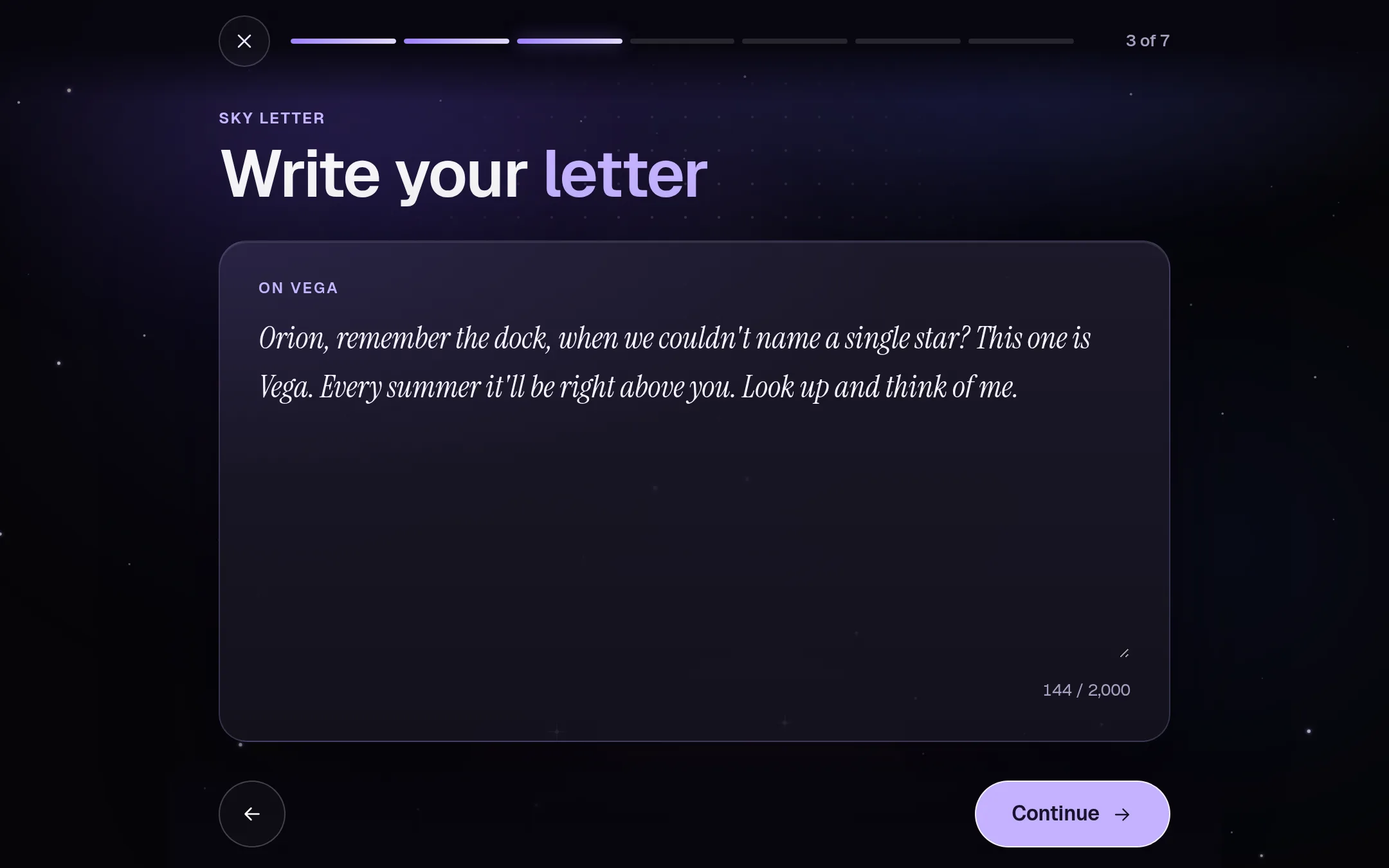
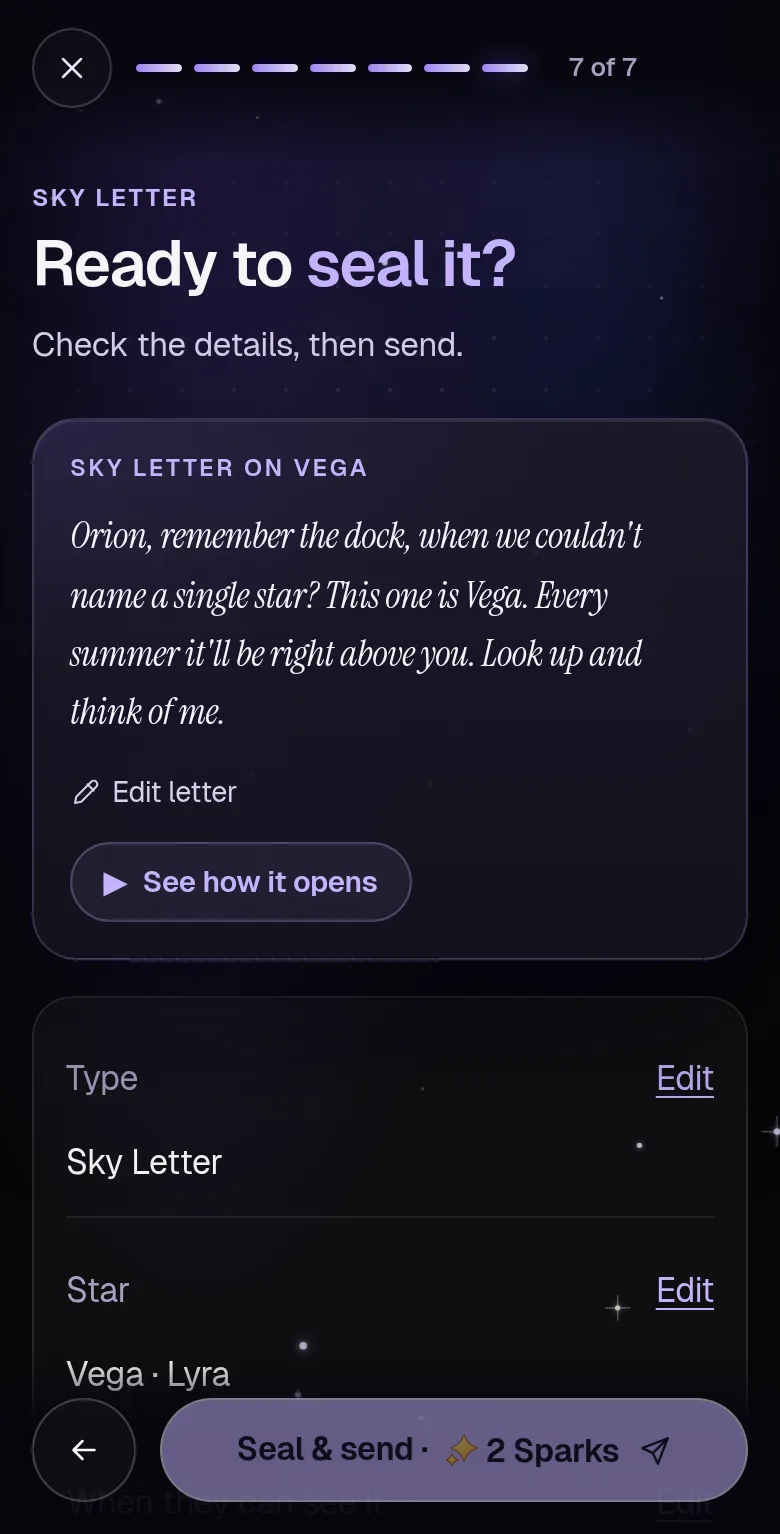
Pick a destination, write, choose who it’s for and when it opens, add any extras, then review and seal. Your words appear on letter paper as you type, and drafts save in your browser.
When an Earth Letter is ready, StarLetter walks them to it: live distance, a compass arrow, their coordinates and how accurate the fix is, all worked out on their iPhone.
A compass dial points the way, steadied by the iPhone’s motion sensors so it doesn’t jitter in your hand.
Metres to go and minutes on foot, the heading in words and degrees, and your coordinates with GPS accuracy.
Searching, approximate or localized: you always see how sure the position is. The pin is an area until you’re close, then the exact spot.
In the letter’s area, StarLetter checks you in and shows the exact spot. Within about 15 feet of it, the letter opens. Prefer the map? Open it in Apple Maps.
Your location stays on your iPhone while you walk. It’s sent only to check you in, and the sender never sees where you are.
When their letter is ready, StarLetter shows them where to look. Raise the phone and the camera points them to the star.
It checks the next 48 hours for when the star is well up after dark, then shows where to look: 35° above the horizon · northeast
On-screen directions like 12° right · 5° up guide the camera to the star, with the compass accuracy shown.
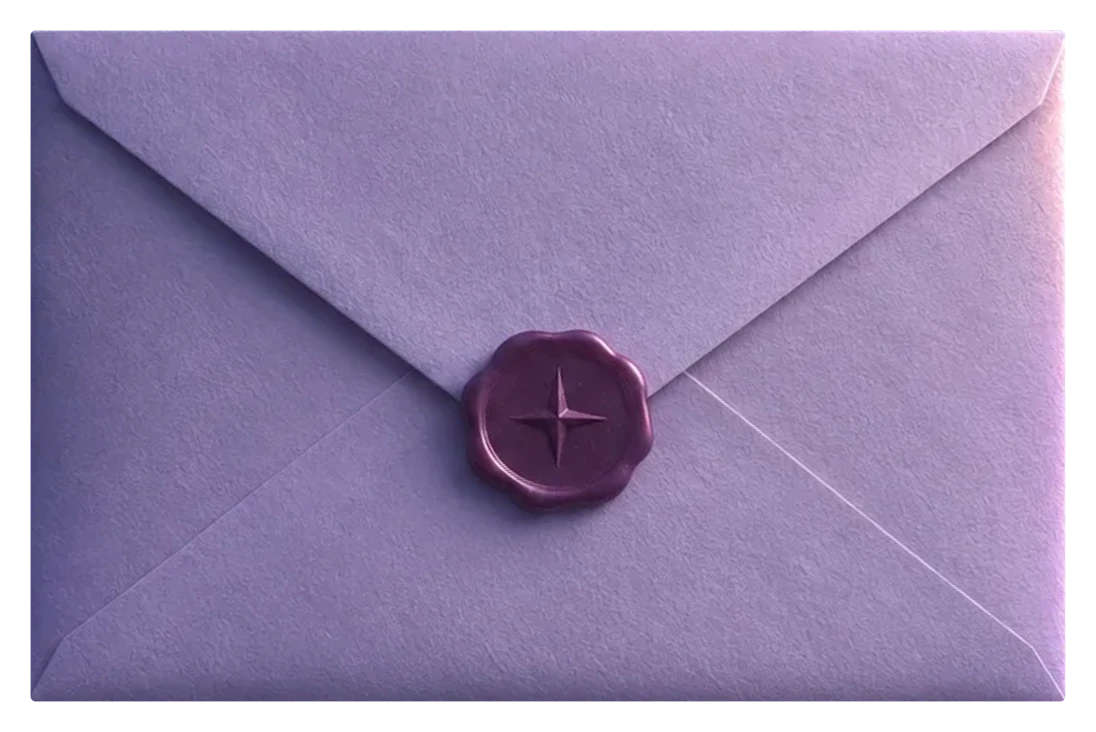
Place the sealed envelope on a table or the ground nearby and open it, or simply read it on screen.
A Memory Trail is a letter in stops across a city. Each stop unlocks the next.
It appears only when they reach this one.
Ask for a photo at any stop. They take it there and it comes back to you before the next stop appears.
StarLetter is built so the only people who ever read your letters are the ones you chose.
Letters open only for the people you invite. Our servers check, every time.
Opening times are enforced on our side, so nobody can peek early, not even the sender.
Senders never see where you are. An Earth Letter sends your position only to check you in, and only the arrival is kept.
Invitations and link previews never show what’s inside.
Block or report in a couple of taps. Our moderators review every report.
Ask for an export of your account data, or delete your account yourself, from Settings.
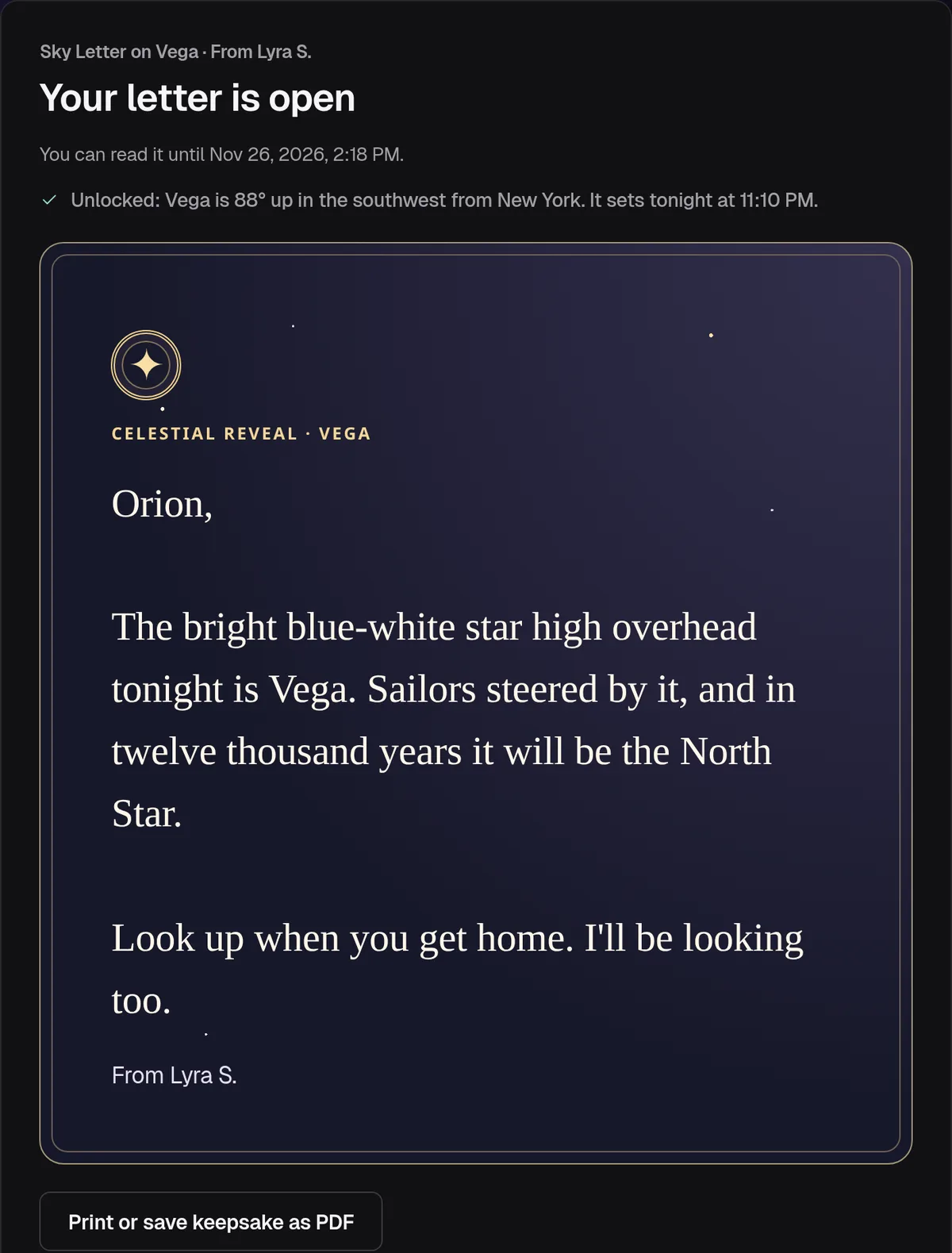
Every Sky Letter opens on star-stamped stationery. Your recipient can print it or save a PDF, and on iPhone they can place the celestial envelope nearby and open it there.
Sparks are StarLetter’s credits. You always see the price first, and the people you write to never pay.
For receiving letters and sending a few.
No card required.
For people who write often.
Renews monthly until you cancel.
No subscription? Add a Spark pack when you need one.
25 SparksOne-time pack$2.9960 SparksOne-time pack$4.99150 SparksOne-time pack$9.99Sparks are spent once, when you create something. A group letter costs the same for each person it goes to.
Still curious? Read the docs or talk to us.
No. They can open their private invite on the web. Not on StarLetter yet? Send a letter link and it waits for them. The iPhone app adds the camera reveal, so they can find their star in the sky or their letter at a place.
Yes. Turn on Send anonymously and they’ll never see who wrote it. They can still reply, and they can block an anonymous sender without ever learning who it was.
Reading and replying always are. Sending costs Sparks: a Sky Letter is 2, and new accounts start with 10.
The camera is never required. Once a letter’s window is open, it can be revealed without pointing at the sky. The sky guide also tells them the next good time to look in the next 48 hours.
No. Letters are private by default. Only the recipients you invite can open them, and only once the opening conditions you set are met. These rules are checked on our servers, not just in the app.
Yes. Address a Time Capsule to yourself and pick any day up to 25 years ahead. It stays sealed until then.
Not yet. StarLetter is built for iPhone first. Anyone can write and read letters on the web today, and recipients never need an iPhone to open what you send.
Yes. The membership is $5.99 a month for 100 Sparks, and it renews monthly until you cancel. Manage it from Sparks in Settings, or from your Apple Account if you joined on iPhone. Letters you’ve already sent still open as planned.
Dear you,
Someone you love is out there
under the same sky tonight.
Write them something small,
something true, something
they will keep for years.
— with love
Dear you,
Someone you love is out there
under the same sky tonight.
Write them something small,
something true, something
they will keep for years.
— with love
Dear you,
Someone you love is out there
under the same sky tonight.
Write them something small,
something true, something
they will keep for years.
— with love
Write your first letter tonight. New accounts start with 10 Sparks.