Destinations

Six ways to leave a letter.

A star you share, a satellite overhead, a place you both remember, a day yet to come, a trail of stops or a story in chapters. Here is how each one opens.

At a glance

How each one opens.

Every letter opens on its own terms. Once opened, it’s kept until one of you deletes it.

How each destination opens
DestinationOpensIf unopenedYour recipientTo send
Sky LettersWhenever the star is up for themGone 30 days after it opensClaim it. The sky guide shows where to look2 Sparks
Orbit LettersAs the satellite climbs above 10° on the pass you pickGone 24 hours after the satellite risesClaim it, then look up during the pass12 Sparks
Earth LettersOnce it opens, when they reach the spotGone 30 days after it opensCheck in nearby, then find the exact spot8 Sparks
Time CapsulesAt the date and time you setGone 30 days after it opensClaim it now and read it on the day2 Sparks
Memory TrailsOne stop at a time, as they arriveNo closing timeWalk to each stop, within about 250 m12 to 44 Sparks
Constellation StoriesChapter by chapter, at the times you setNo closing timeOpen each chapter in orderFrom 10 Sparks

Satellite passes are worked out for an observing area the sender picks, not for the recipient’s location. “Never expires” keeps any unopened letter but an Orbit Letter waiting, for another 5 Sparks. Receiving, reading and replying are always free. Prices are in Sparks, and you see the price before you send. How Sparks work.

In the sky2 Sparks

Sky Letters

Tie your words to one of about 9,100 stars you can see without a telescope, from Vega to Polaris. Search by name, constellation, nickname or zodiac sign, and the sky guide shows your recipient where to look.

2 Sparks to send, with the celestial reveal: star-stamped stationery, the celestial envelope in AR on iPhone and a printable keepsake. About Sparks
Vega · Lyra

How it opens

  • There’s no time to choose: it can be opened whenever the star is above their horizon.
  • Unopened, it’s gone 30 days after it opens, unless you add “Never expires” for another 5 Sparks.

What they do

  1. Sign in and claim the invitation.
  2. Read it on the web or on iPhone while the star is up. Once opened, it’s kept until one of you deletes it.
  3. Use the sky guide to find the star. Seeing it is optional.
  4. On iPhone, find the star with the camera, or read without it.

Limits and details

  • Letters are up to 2,000 characters.
In the sky12 Sparks

Orbit Letters

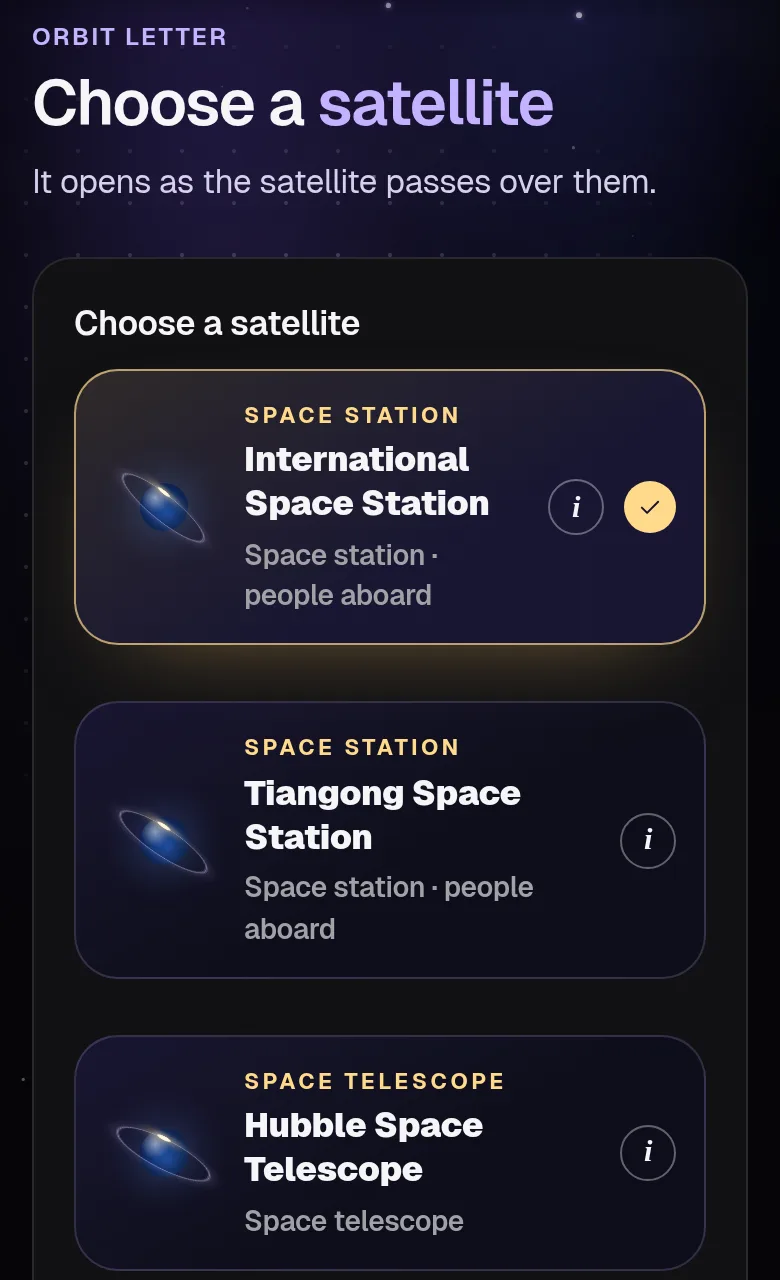
Let your letter ride the International Space Station, Tiangong, Hubble or Landsat 9. Choose one of its upcoming passes over the observing area you pick, and the letter opens as the satellite rises there.

12 Sparks to send. About Sparks

How it opens

  • Choose a satellite, the area where they’ll watch, and one of up to 8 passes over the next 3 days.
  • The letter unlocks when the satellite climbs above 10° over that area, whether or not the sky is clear.
  • Unopened, it’s gone 24 hours after the satellite rises.

What they do

  1. Sign in and claim the invitation.
  2. Open it in the 24 hours after the satellite rises. Once opened, it’s kept until one of you deletes it.
  3. Step outside during the pass if it’s marked visible to the naked eye.
  4. On iPhone, follow the satellite’s track with the camera.

Limits and details

  • Every pass climbs to at least 15°. Each is marked “Visible to the naked eye” or “Passes unseen, in daylight or Earth’s shadow”.
  • Passes are predicted for the observing area you pick, not the recipient’s location.
  • It opens on a set pass, so it can’t wait for someone who hasn’t joined yet.
  • Landsat 9 is usually too faint to see without binoculars.
On Earth8 Sparks

Earth Letters

Leave a letter at a public place that means something to you both. It opens when your recipient reaches the exact spot you pinned.

8 Sparks to send. About Sparks

Opens within 15 ft

How it opens

  • Pin the spot on a map, pick a suggested public place, or type its coordinates. On iPhone, you can also tap Use my location.
  • It opens as soon as you send it, 24 hours later, or on any day and time up to 25 years ahead.
  • Every pin is exact. Your recipient sees it rounded to about 100 m until they’re within about 250 m.
  • Unopened, it’s gone 30 days after it opens, unless you add “Never expires” for another 5 Sparks.

What they do

  1. Claim the invitation, then go to the place once it opens.
  2. Check in within about 250 m to see the exact spot. Within about 15 feet of it, the letter opens.
  3. Read it on the web or on iPhone. Once opened, it’s kept until one of you deletes it.
  4. On iPhone, an arrow and the distance lead the way, and arrival is checked automatically.

Limits and details

  • Public places only. You confirm the place is safe and open to the public before you send.
  • Never a home or any other private address.
  • Location checks confirm arrival. Only the fact that they arrived is kept, not where they were.
  • Place names are up to 80 characters.
In time2 Sparks

Time Capsules

Choose the moment it opens: a birthday, a graduation, a quiet morning next spring. Write to someone you love, or to yourself.

2 Sparks to send. Add a keepsake reveal for another 6 Sparks. About Sparks

Opens Mar 21 · 8:00 AM

How it opens

  • Pick Tomorrow, In a week, In a month, In six months, In a year, In 5 years or In 10 years.
  • Or set an exact date and time, up to 25 years ahead.
  • Unopened, it’s gone 30 days after it opens, unless you add “Never expires” for another 5 Sparks.

What they do

  1. Claim the invitation now.
  2. Wait for the day. The reader shows when it opens and closes.
  3. Read it and reply. Once opened, it’s kept until one of you deletes it.

Limits and details

  • Up to 25 years ahead.
  • It needs a recipient who’s already on StarLetter.
  • For letters that never leave your iPhone, use On My iPhone.
On Earth12 to 44 Sparks

Memory Trails

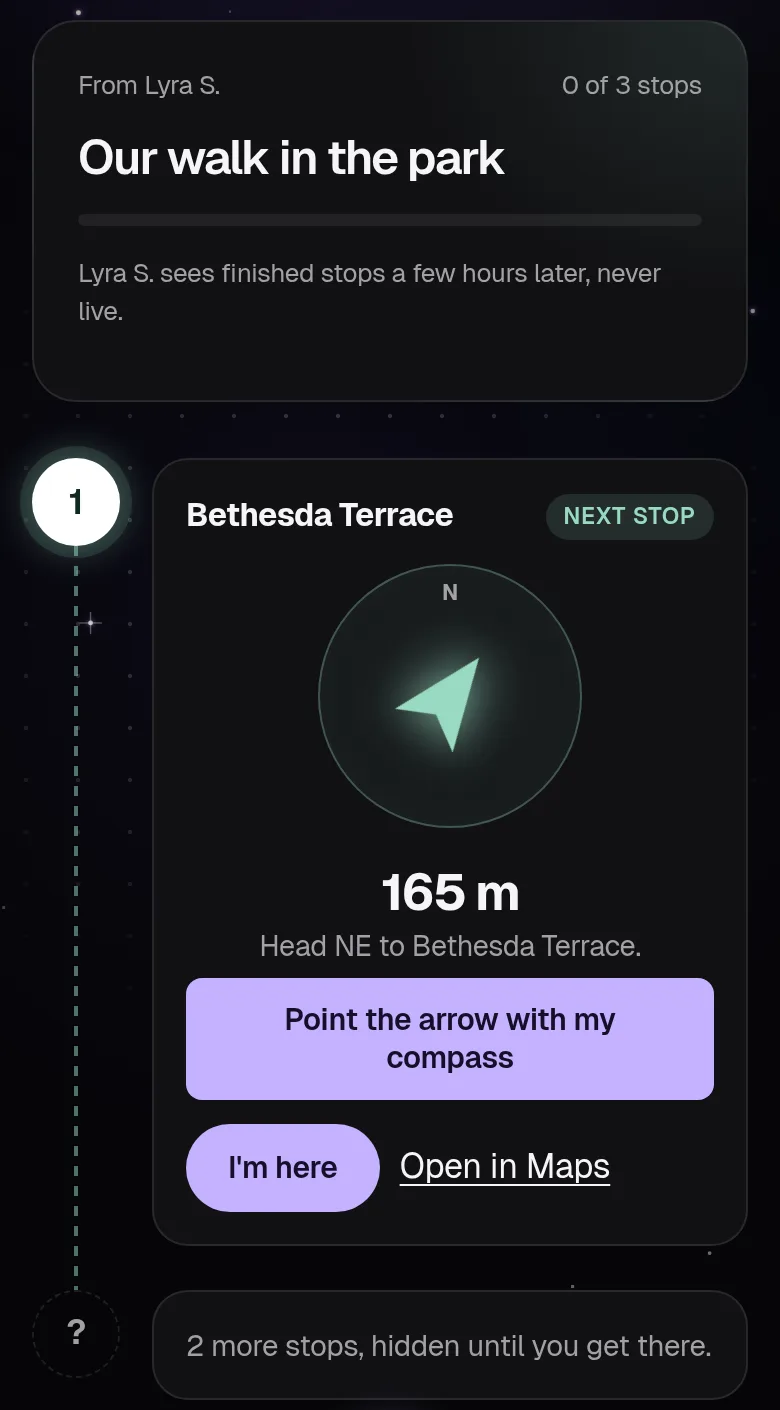
Turn a story into a trail of stops across a city. Each stop unlocks the next, reveals your note on arrival, and can ask for a photo that comes back to you.

12 Sparks covers 2 stops and the first 2 km. Each extra stop adds 3, and each further 5 km adds 2, up to 8 for distance: 12 to 44 Sparks in all. About Sparks

How it opens

  • Stops unlock in order, and each note appears when they reach its stop.
  • Arriving means a location check within about 250 m of the stop.
  • There’s no opening window: they can walk it whenever they’re ready.

What they do

  1. Tap Use my location for a live arrow to the next stop, or open it in Maps.
  2. Tap “I'm here” at the stop to reveal your note.
  3. Take a photo if you asked for one. It goes back to you.
  4. Later stops stay hidden until they get there.

Limits and details

  • 2 to 10 stops, with a note of up to 2,000 characters at each.
  • A photo is optional at each stop: JPEG, PNG or WebP, under 1.5 MB.
  • It goes to someone who’s already on StarLetter.
  • You can withdraw a trail after sending it.
In the skyFrom 10 Sparks

Constellation Stories

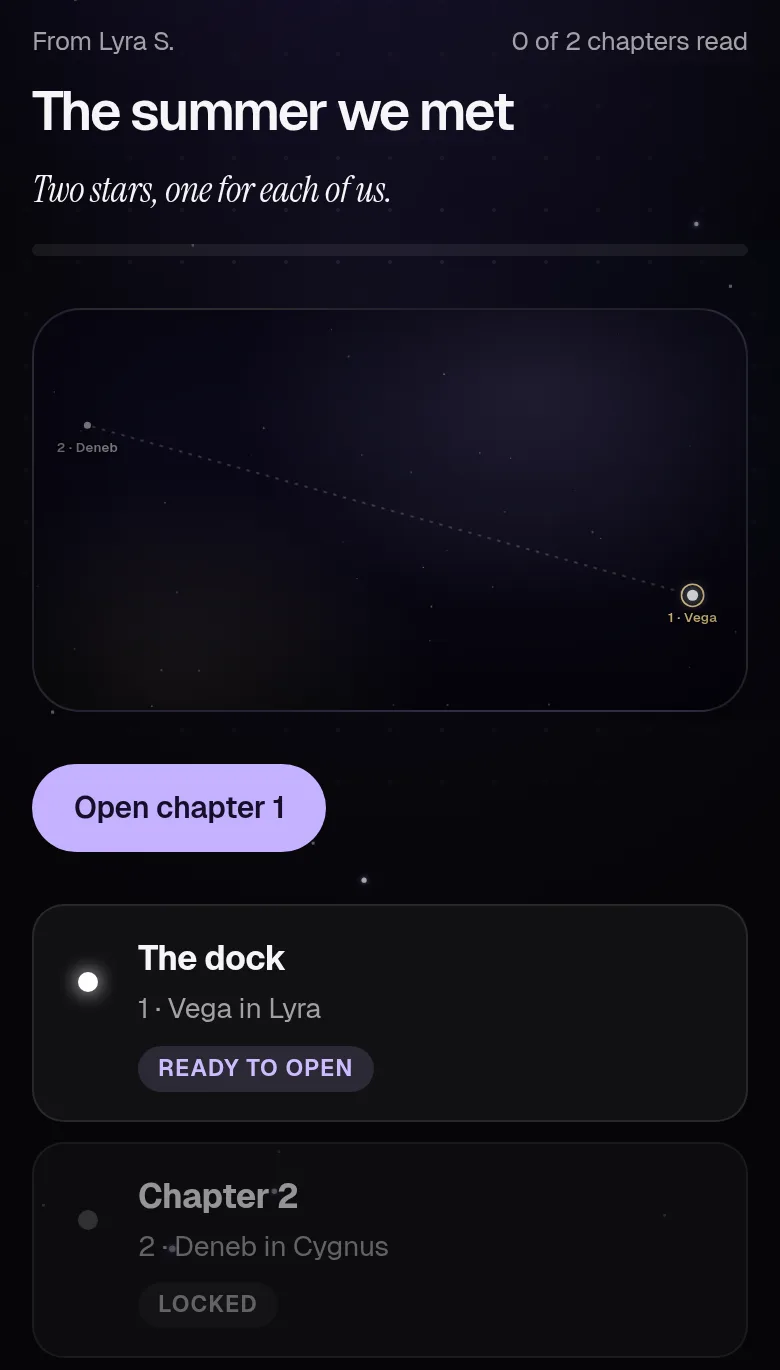
Tell one story in chapters, each tied to its own star and its own night. They open in order, and the constellation lights up as they read.

10 Sparks for 2 chapters, plus 4 for each chapter after that, up to 50 Sparks. About Sparks

How it opens

  • Give each chapter a star and an opening time, each at or after the one before, up to a year ahead.
  • The first chapter can open as soon as the story arrives.
  • Chapters open in order and stay open. There’s no closing time.

What they do

  1. See every star from the start. Locked chapters show only their star.
  2. Watch the countdown to the next chapter.
  3. Open chapters in order. You can see which ones they’ve opened.

Limits and details

  • 2 to 12 chapters, each on a different one of the 102 named stars.
  • Chapters up to 4,000 characters, plus an optional dedication shown from the start.
  • Reading a story is always free.
  • It goes to someone who’s already on StarLetter.

Find your destination.

Open the sky atlas to see which stars are up tonight, or start a letter.