Sealed
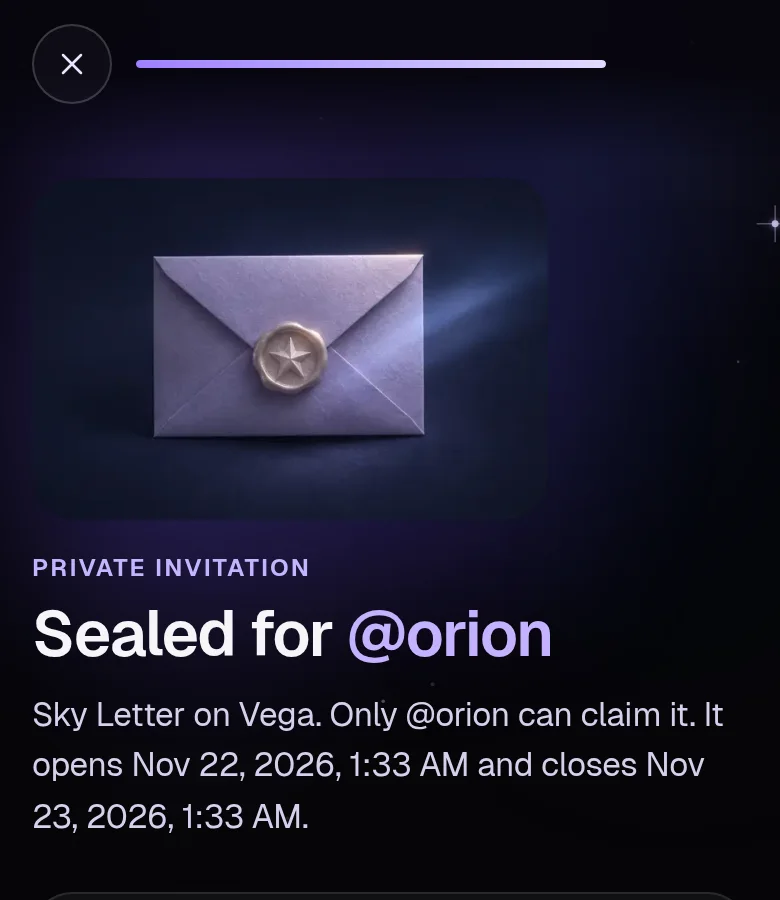
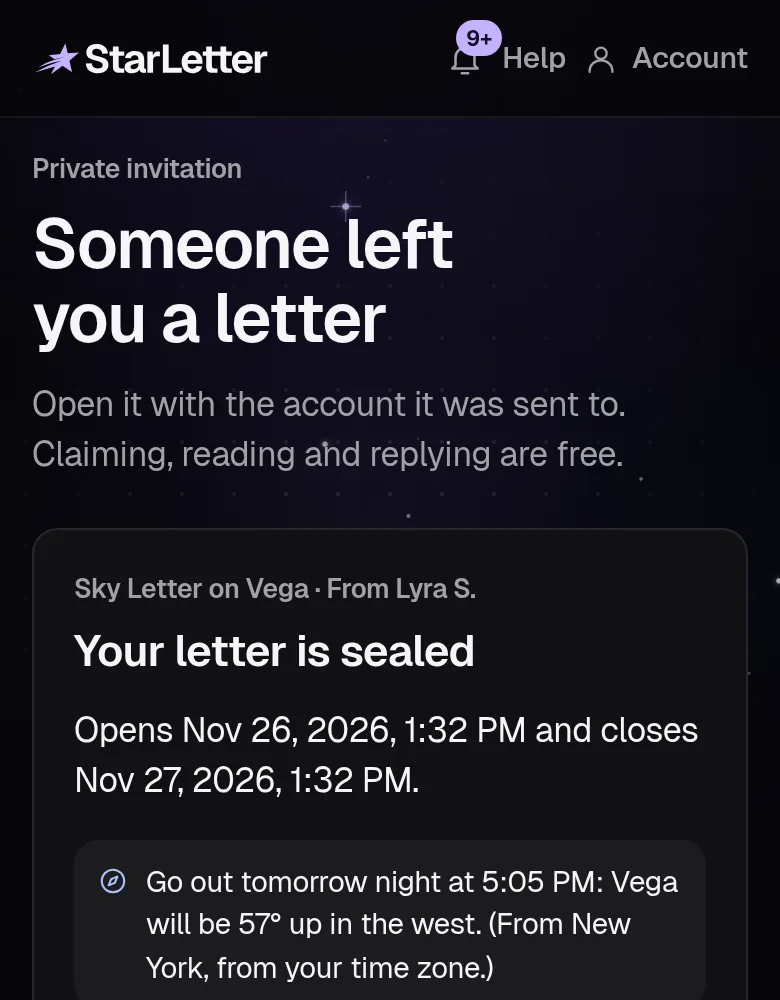
Before it opens, the invitation shows
- Who it’s from, unless you sent it anonymously
- The kind of letter, and its star or satellite
- When it opens and when it closes
Never a word of what you wrote, not even when the link is shared in a chat.
Choose where your letter waits and when it opens, seal it, and share a private invitation only your recipient can claim. Here is every step, on both sides.
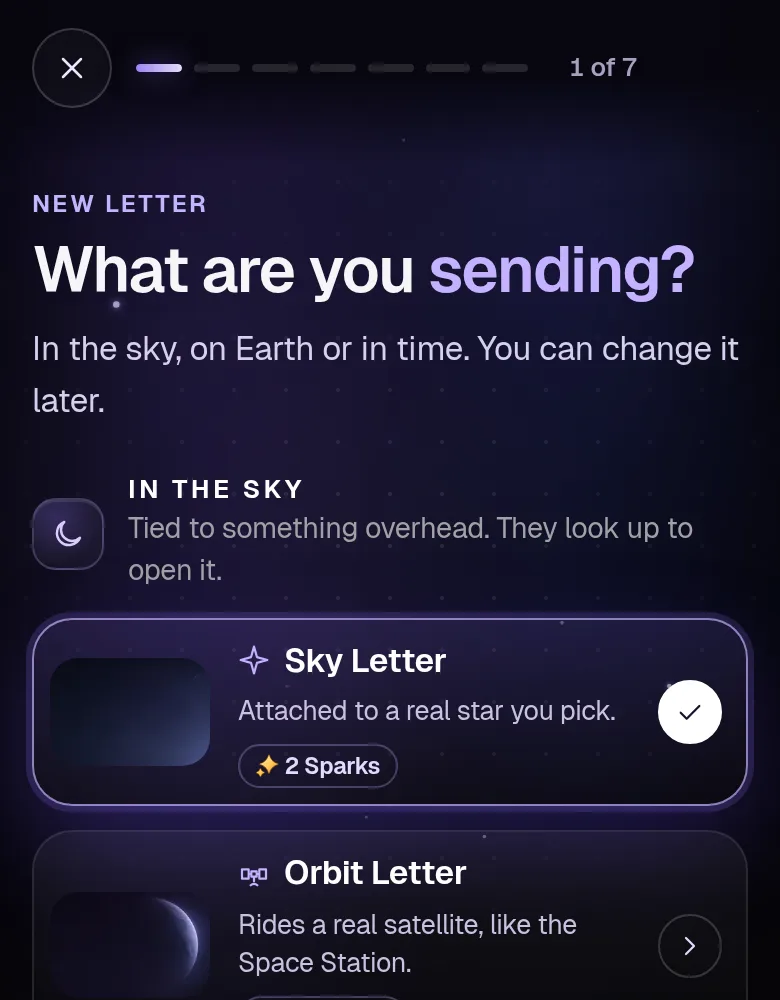
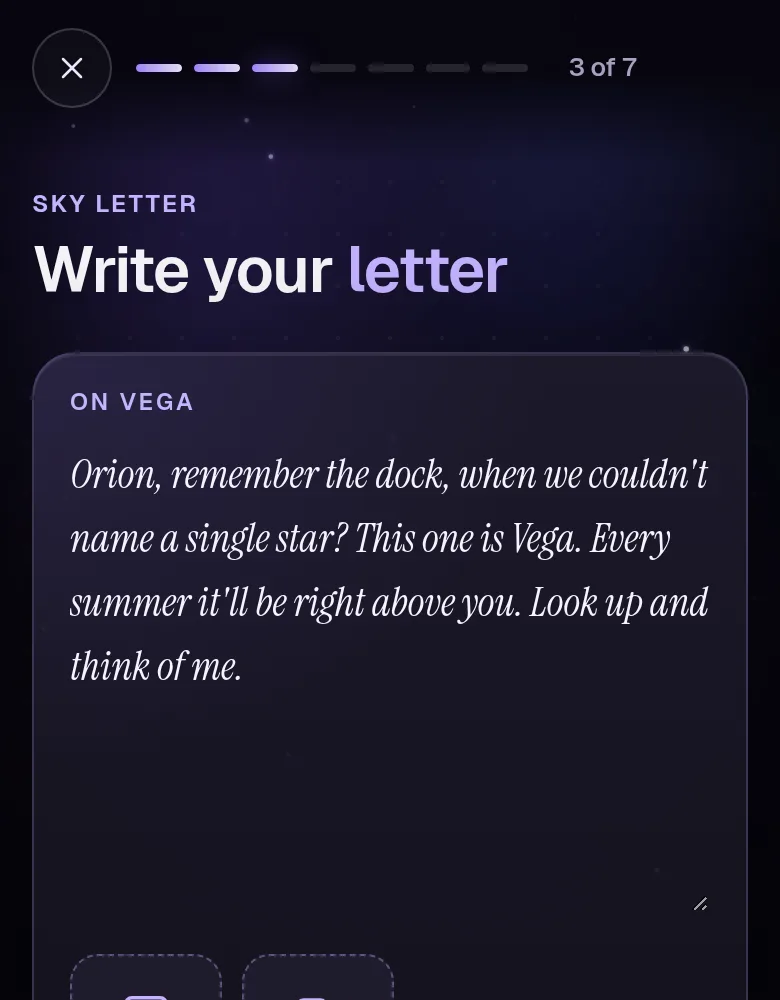
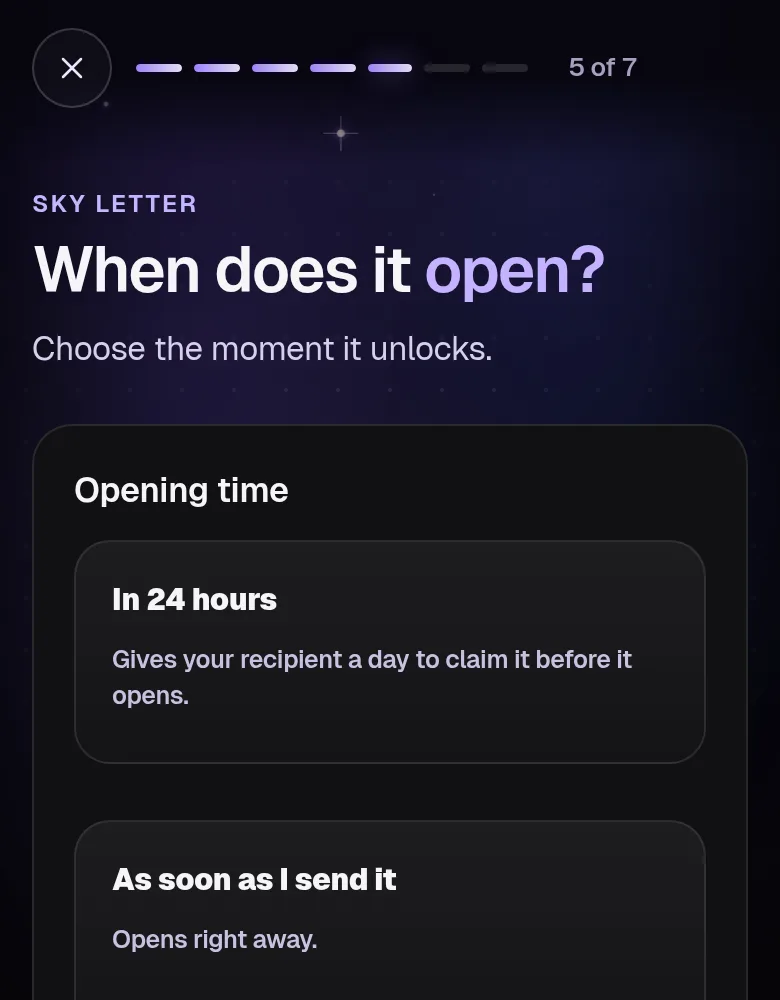
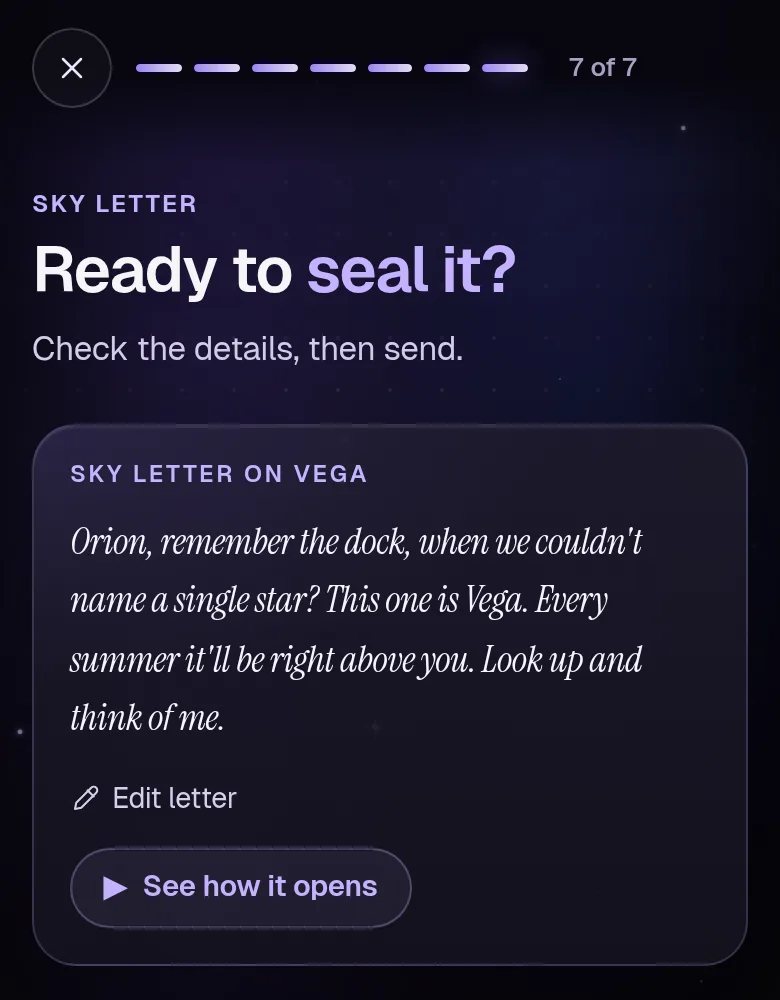
The first five steps are yours and the last two are theirs. Each picture shows the screen where it happens.
Decide where the letter waits: a star, a satellite pass, a public place or a date. Constellation Stories and Memory Trails have builders of their own.
Say what you’ve been meaning to say, in up to 2,000 characters. Your draft saves on this device as you write, so you can come back to it.
Address it by their name and mobile number. Then choose when it opens: as soon as you send it, a day later, or on any day up to 25 years ahead. A Sky Letter needs no time: it can be opened whenever its star is up.
The review shows the letter, the recipient, the destination and when it opens. Check it once, then choose Seal & send. After that, the words, the recipient and the destination can’t be changed.
You get a private invitation link. Copy it or share it any way you like: a text, an email, a card. Only the person it’s addressed to can claim it, and the link never shows the letter’s words.
Your recipient opens the link, signs in and claims the letter. Until it opens, the reader shows who it’s from and when it opens and closes, and nothing more.
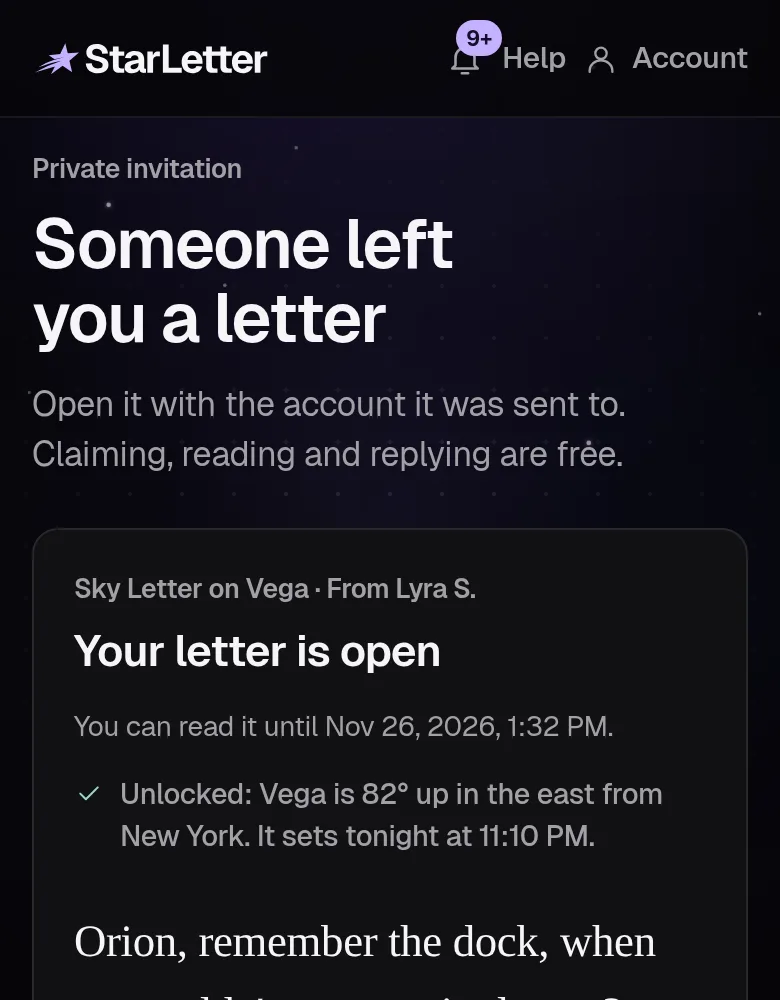
When it opens, the letter unseals in the reader. An Earth Letter asks them to check in at its spot first. They can reply once, for free, and the reply arrives in your Sent letters. Once opened, it’s kept until one of you deletes it.
Never a word of what you wrote, not even when the link is shared in a chat.
Six ways to leave a letter, each with its own rule for opening.
You can’t edit the words, the recipient or the destination after sealing. The review step shows everything first.
Weather, trees, city lights and phone compasses all affect what you see. A hidden star never locks a letter.
Indoors or near tall buildings, GPS can drift. Step into the open and give it a moment.
You set the time where you are. Your recipient sees it in their own time zone.
Short answers here. The documentation goes deeper.
Yes, a free account, with the mobile number you addressed the letter to. Claiming, reading and replying are always free.
Address a Sky or Earth Letter to their name and mobile number and it waits up to 30 days for them to join and confirm that number, or as long as it takes with “Never expires”. Or send it as a private link, which the first person to open it can claim. How letters for later work.
Unopened, it’s deleted 30 days after it opens, or for an Orbit Letter, 24 hours after the satellite rises. “Never expires” keeps it waiting until it’s opened. Sent letters shows whether it has been claimed.
Yes. Send one letter to up to 10 people. Each of them gets their own copy and each can reply to you. Sparks are charged for each copy.
Yes. Address any letter to yourself, or keep letters on your iPhone in On My iPhone.
Read the documentation, search the help center or contact support.
Pick someone, choose where the letter waits, and write.